Licence help
Your key, your browsers.
What do you need to do?
Activate Pro
Pro works at once, and offline after that.
- Find your key in the email from Polar after you bought Pro. It looks like
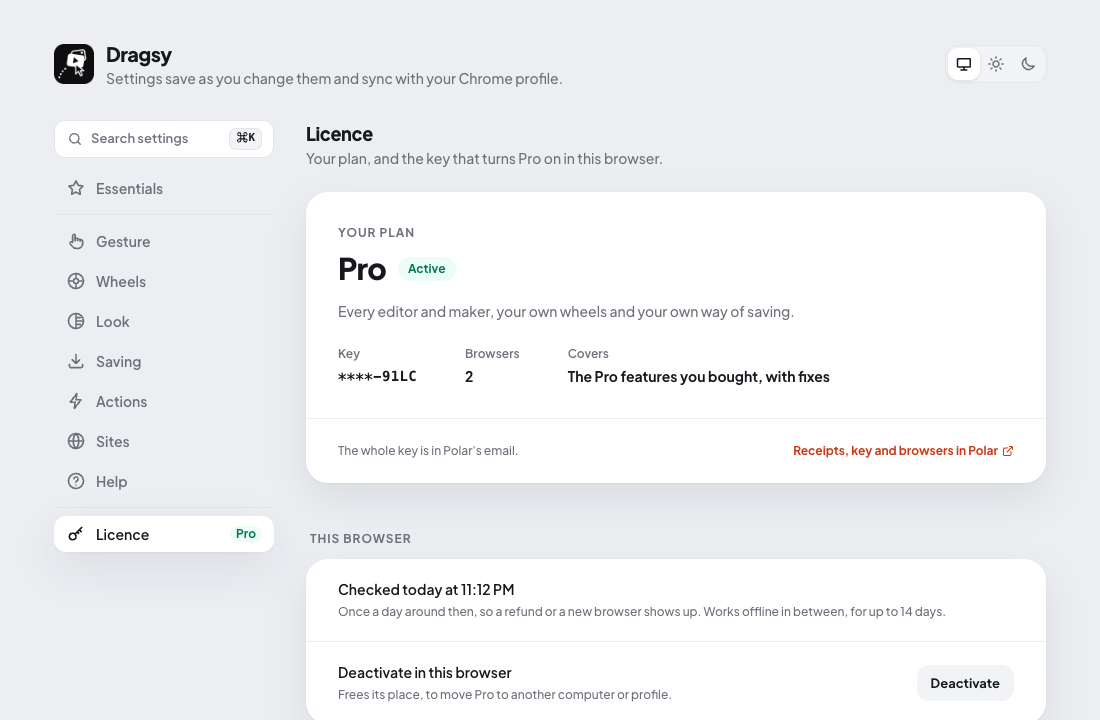
8F2K-4QZD-… - Open Dragsy's Settings (right-click its icon › Options) and go to Licence.
- Paste the key and click Activate.
Move it to a new computer
Your key works in 2 or 4 browsers (as bought); each Chrome profile where you activate it takes one place.
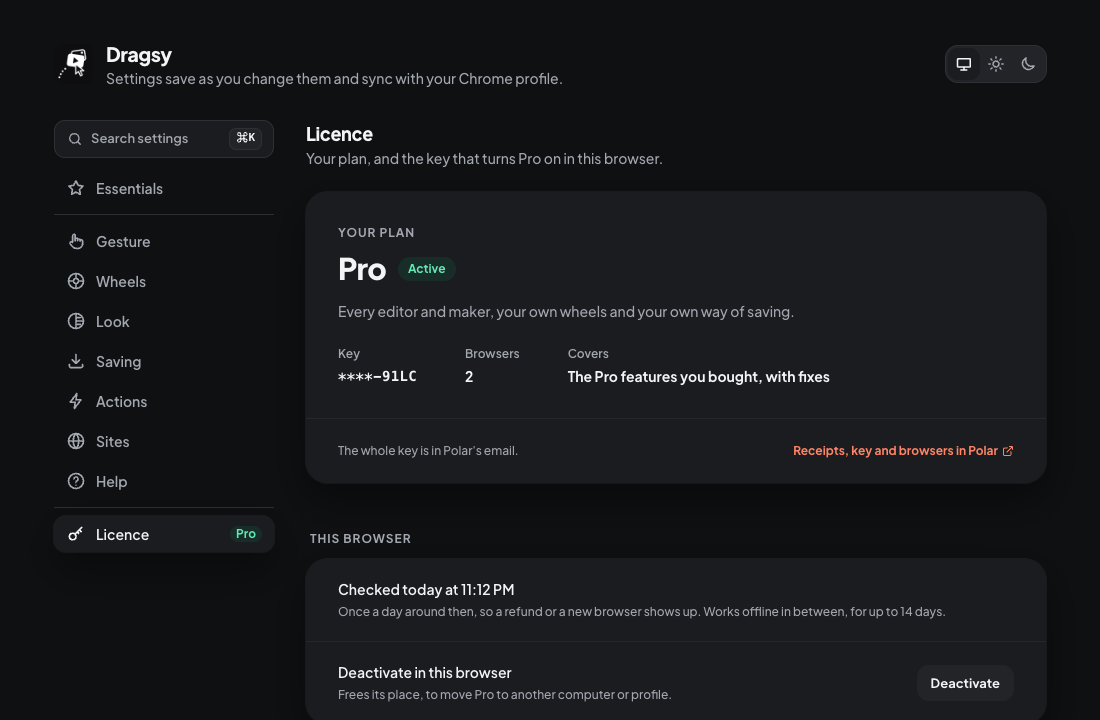
- In the old browser: Settings › Licence › Deactivate in this browser. Its place is free at once.
- In the new one: paste the key and Activate.
Old computer gone? Write to [email protected] with your key, and I'll free its place.
Find a lost key
Search your email for "Polar" or "Dragsy Pro". Or find your licence: enter the email you bought with, and Polar sends you a link to every key.
Good to know
Receipts and browsersPolar's customer portal has your orders, invoices, key and the browsers it's on. Open it from any Polar email, or Receipts, key and browsers in Polar in Settings › Licence.
The daily checkOnce a day Dragsy checks the key is still valid (the key and a random install number, nothing else). Offline, Pro keeps working for 14 days; then it pauses until Check now works. Your key and settings are kept.
If activation fails
Find the message you see.
This key is in use in all its browsersDeactivate it in one of them (see Move it), or write to me to free a place.
This key isn't knownCheck it's copied whole, from Polar's email.
Can't reach the licence checkYou're offline, or something (a firewall, an ad blocker) blocks getdragsy.app. Try again in a moment.
Your licence … was refunded or revokedPro stopped after a refund. Write to me if that's a mistake.
Still stuck?
Write to [email protected] with your key's last four characters. I answer every email.